

Day 23: A Trello Board To Run Your Substack Publication
My Substack Operating System.

I created a Trello board to organize my Substack tasks. It manages the daily, weekly and monthly operations in one place.
Every piece of content your publication needs is mapped out so you can see the whole month at a glance and know exactly what’s due and when.
You can assign tasks to your team members or yourself.
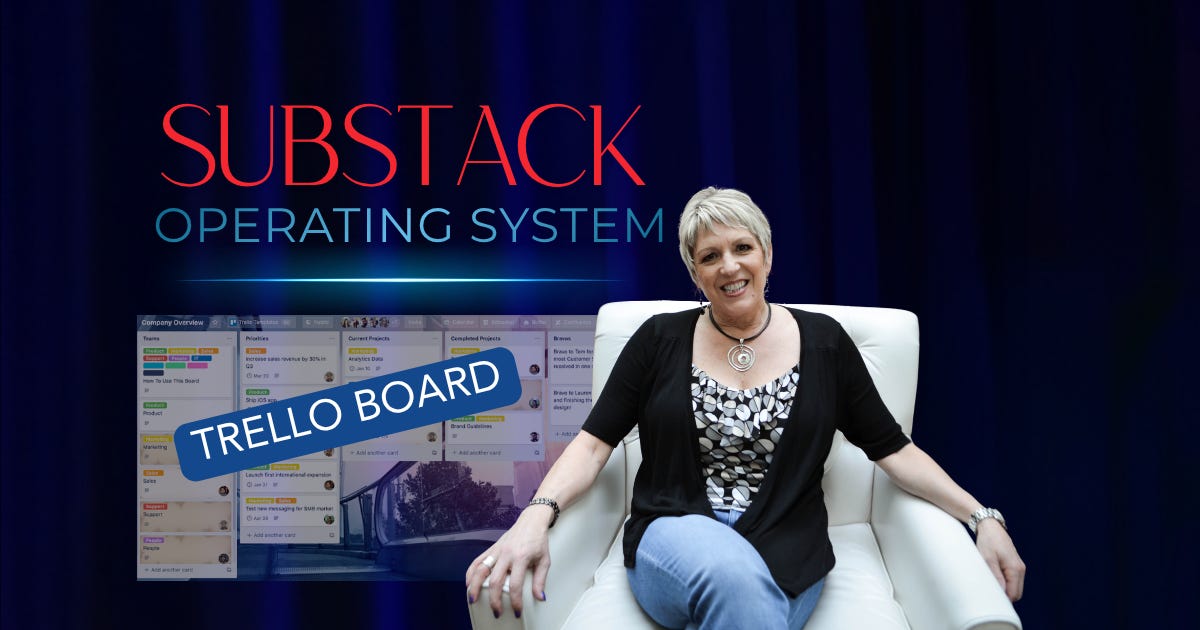
What’s on the board:
Daily Notes
Weekly paid article
Weekly free article
DM welcome sequence, free subscribers
DM welcome sequence, paid subscribers
Paid member content
Founding member content
Upgrade campaign templates
Each list has an SOP (Standard Operating Procedure), a link to your google doc for ongoing content and each card has a checklist that you can duplicate for recurring tasks.
I LOVE this board!
You open it and know exactly what has been done, what to do next and who it’s assigned to.
You can see the whole month at a glance, and nothing slips through the cracks.
I’ll walk you through exactly how each column is set up, what goes on a card, and how the whole board runs week to week, because that’s what is required for consistency.
Right now, if you upgrade to annual before Thursday, August 6th at 11am PT, you get a seat in a live training where I give you the board and walk through exactly how to use it.
You leave with your own copy set up and ready to use.
Can’t make it live, the replay is yours too.
Keep reading with a 7-day free trial
Subscribe to Unleashed Leaders to keep reading this post and get 7 days of free access to the full post archives.